

System software refers to a type of software that serves as a foundation for other software applications. This includes the operating system (OS) kernel(s) and device drivers associated with the OS. Within this context, the program that runs on top of an OS is either an Application Software or a Utility Software, depending on the way it is intended to be used, and what type of .Users will ultimately use the program.
In many cases, Application Software and Utility Software are included with the Operating System when it is installed. However, because of the manner in which they will be used, Application Software is typically not considered System Software. Utility Software that is considered core utility software may also be considered System Software by some Users if it cannot be uninstalled from the System without negatively affecting other Software on the System.
Typically, System Software is made up of four types of Software: Operating Systems, Device Drivers, Utility Programs and Language Translators (i.e. Compilers and Assemblers.)

Orign
Previously, all System Software that accompanied the Computer upon purchase or lease was included in the price of the Computer. In 1969, IBM made the decision to “unbundle” its Software, and to sell it as an individual entity. This decision opened an entirely new revenue stream for Manufacturers of Computers and for Ever Dedicated Software Houses.
System Software and Application Software
System Software is composed of an Operating System as well as Utility Programs that allow a user to compile (translate) software into Machine Code and load it to be executed by the computer. System Software provides both Internal Functionality to the Computer, as well as providing Interface Capabilities for Computer Peripherals, including Monitors, Printers, and Storage Devices. Application Software run on top of System Software, and dictate to the Computer what commands are to be executed from the user. Examples of Application Software are any program that processes Data for a user. Application Software is coded differently than System Software (System Software uses System Programming Languages to write System Software, while Application Software uses General Purpose Programming Languages).
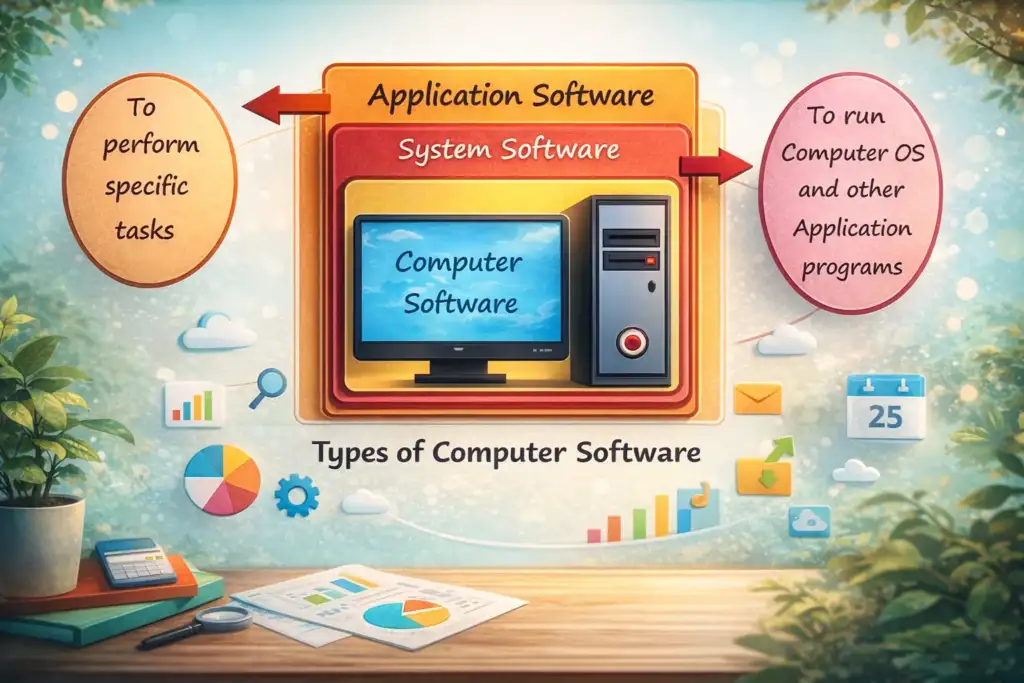
Types of System Software
System software have various categories, each serving a specific purpose in managing a computer system. Below are the main types:
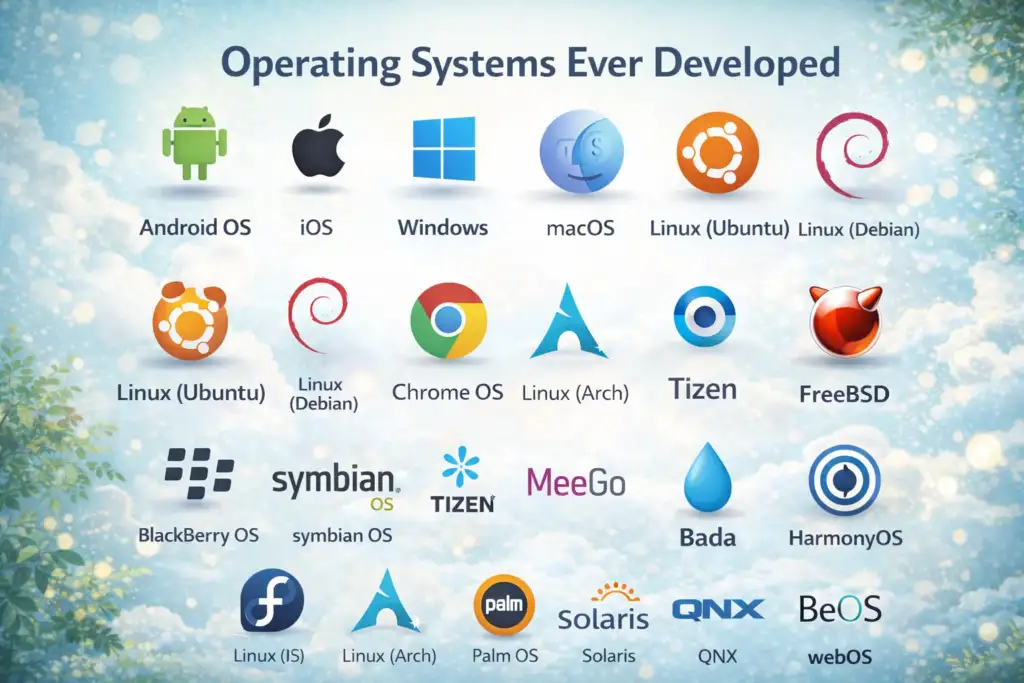
Operating Systems
An operating system (OS) is a type of system software that manages a computer’s hardware and software resources. It provides common services for computer programs. An OS links the software and hardware. It controls and keeps a record of the execution of all other programs on the computer, including application programs and other system software.
The Operating System is the most widely used system software .It is because it creates a basic framework for all other types of software and applications to operate on top of it. An operating system is responsible for managing hardware components (such as memory and processing power) and creating a user interface through which users interact with the operating system.
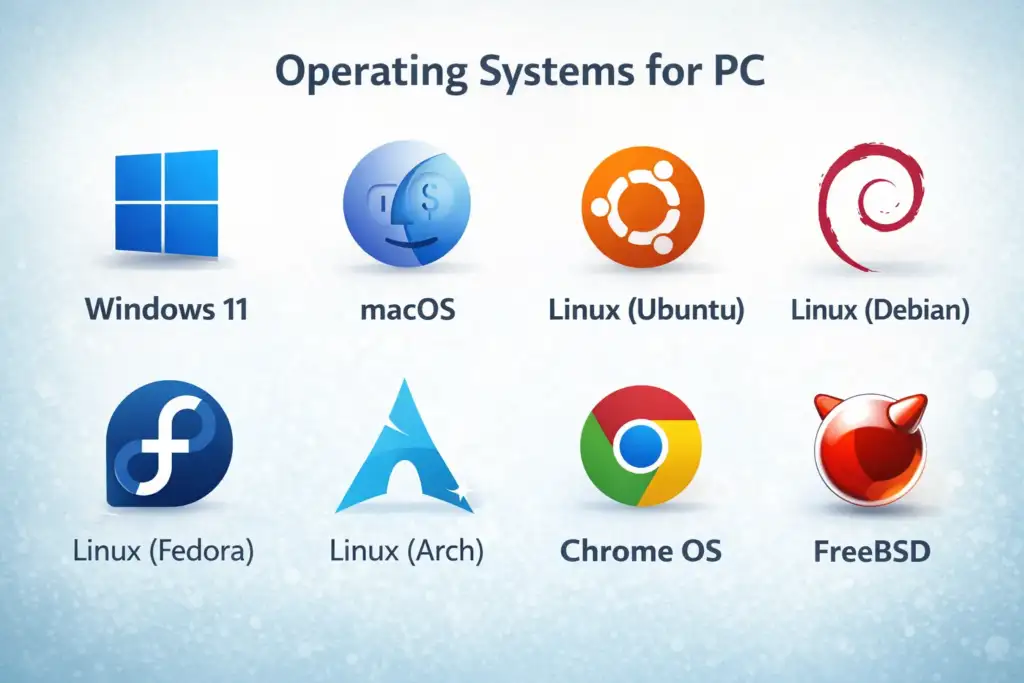
Examples of popular Operating Systems are Microsoft Windows, macOS and Linux. These systems enable a user to manage the Hardware of their computer, manage Data and Program Files, and manage all the other System Resources a computer has to enable the user to operate their computer. The BIOS, Boot Program and Device Drivers are additional components of System Software.
The main functions of operating system are:
Resource Management: The operating system manages and allocates memory, CPU time, and other hardware resources among various programs and processes running on the computer.
Process Management: The operating system starts, stops, and manages processes and programs. It controls the scheduling of processes and allocates resources to them.
Memory Management: The operating system manages the computer’s primary memory and provides ways to optimize memory usage.
Security: The operating system creates a secure environment for users, applications, and data by implementing security policies and methods such as access controls and encryption.
File Management: The operating system organizes and manages the file system, including creating, deleting, and manipulating files and directories.
Device Management: The operating system manages input/output devices like printers, keyboards, mice, and displays. It provides the necessary drivers and interfaces for communication between the devices and the computer.
Programming Language Translator
Programming language translators are programs that convert code from one programming language to another. Below are examples of programming language translators
Compiler: A compiler is software that translates code from one language to another without changing the program’s meaning. The compiler also aims to make the target code efficient and optimized for time and space. A compiler performs several operations during compilation, including pre-processing, lexical analysis, parsing, semantic analysis, conversion of input programs to an intermediate form, code optimization, and code generation. Examples of compilers include gcc (C compiler), g++ (C++ compiler), and javac (Java compiler).
Interpreter: An interpreter is a program that directly executes the instructions written in a programming or scripting language. Interpreters do not require the program to be compiled into machine language first. An interpreter translates high-level instructions into an intermediate form, which it then executes. Interpreters are fast because they skip the compilation stage needed to generate machine instructions. The interpreter continuously translates the program until it encounters an error. If an error occurs, it stops running. This makes debugging easier. Examples include Ruby, Python, and PHP.
Assembler: An assembler is a program that converts assembly language into machine code. It takes basic commands and operations and changes them into binary code specific to a processor. Assemblers create executable code similar to compilers. However, assemblers are simpler since they only convert low-level assembly code to machine code. Each assembly language is designed for a specific processor, so assembling a program involves a straightforward one-to-one mapping from assembly code to machine code. In contrast, compilers must convert generic high-level source code into machine code for a specific processor.
Device Drivers
Device drivers are a type of system software that reduces the need for troubleshooting. The operating system communicates with hardware components internally. Device drivers simplify this communication.To operate hardware components, the operating system comes with various device drivers. Most device drivers, such as those for a mouse and keyboard, are pre-installed in the computer system by the manufacturers.
Firmware
Firmware consists of the operational programs installed on computer motherboards. These programs help the operating system identify Flash, ROM, EPROM, and memory chips. The main purpose of firmware is to manage and control all of a device’s actions. It uses non-volatile chips for initial installation.
There are mainly two types of firmware chips:
- BIOS (Basic Input/Output System) chip.
- UEFI (Unified Extended Firmware Interface) chips.
Utility Software
Utility software serves as a bridge between system software and application software. This third-party product is designed to reduce maintenance issues and identify defects in computer systems. It comes with your computer’s operating system.Some specific features of utility software:
- It protects users from threats and infections.
- Programs like WinRAR and WinZip help reduce disk size.
- It assists with disk partitioning and functions as a disk management service.
- It makes it easier for users to back up old data and improves system security.
- It acts as a disk defragmenter to organize scattered files on the drive.
- It helps recover lost data.
BIOS and UEFI
BIOS (Basic Input/Output System) or the new UEFI (Unified Extensible Firmware Interface) is what gets the computer system started when we turn it on. BIOS also manages the flow of information between the operating systems and the devices that are connected.

Examples of System Software System
Operating Systems (OS) :Operating systems manage hardware resources like CPU, memory, and storage. They provide an interface between the user and the computer.Examples:
- Microsoft Windows
- 2.macOS
- Linux
Functions:
- Process management
- Memory management
- User interface handling
- File management
Device Drivers: Device drivers enable the operating system to communicate with hardware devices.
Examples:
- Printer drivers
- Graphics card drivers
- Sound card drivers
Purpose:They translate OS commands into hardware-specific instructions.
Firmware: Firmware is software stored in non-volatile memory (ROM/Flash) that provides low-level control over hardware.
Examples:
- BIOS
- UEFI
Uses:
- Initializes hardware
- Controls device behavior
- BIOS (Basic Input/Output System)
- BIOS is firmware that starts the computer and prepares hardware before the operating system loads.
Functions:
- Power-On Self-Test (POST)
- Loads the operating system
- Manages basic input/output operations
Utility Software: Utility programs help maintain, optimize, and protect the system.
Examples:
- Antivirus software
- Disk cleanup tools
- Backup utilities
- File compression tools
Compiler and Assembler: These are tools for translating languages.
Compiler: Converts high-level languages (C, C++) into machine code.
Assembler: Converts assembly language into machine code.
Purpose:They enable computers to understand and run programs written by programmers.
Linker and Loader: These work closely with compilers.
Linker: Combines different program modules into one executable file.
Loader: Loads the executable program into memory for execution.
Virtual Machine Monitors (Hypervisors): Hypervisors let multiple operating systems run on one physical computer.
Examples:
- VMware
- VirtualBox
- Hyper-V
Use: They are common in cloud computing and server virtualization.
System Libraries: System libraries are collections of pre-written code used by applications for common tasks.
Examples:
- Standard C Library
- Dynamic Link Libraries (DLLs)
Benefits:
- Saves development time
- Improves program efficiency
Other examples are game engines, search engines like Google, Bing, and Yahoo!, industrial automation tools, computational science software, and Software as a Service (SaaS) applications.
Boot loaders: Software that starts the OS during startup.
Features of System Software
The most important features of system software are :
Memory Management: The operating system manages memory. It tracks the primary memory and allocates it when a process requests it.
Processor Management: The OS handles process management. It allocates main memory (RAM) to a process and frees it when it is no longer needed.
File Management: The operating system manages files. It allocates and de-allocates resources and decides who receives the resources.
Security: It prevents unauthorized access to programs and data with passwords.
Error-detecting Aids: This includes producing dumps, traces, error messages, and using other debugging and error-detecting methods.
Scheduling: The OS schedules processes using its scheduling algorithms.
Advantages of System Software
Resource management: System software manages and allocates resources like memory, CPU, and input/output devices to different programs.
Improved performance: It optimizes computer performance and reduces the user’s workload.
Security: System software offers security features such as firewalls, virus protection, and access controls to shield the computer from attacks.
Compatibility: It ensures compatibility between different hardware and software components, making it easier to work with various devices and applications.
Ease of use: System software provides a user-friendly interface and graphical environment, simplifying user interaction with the computer.
Reliability: It helps maintain the stability and reliability of the computer, lowering the chances of crashes and malfunctions.
Increased functionality: System software offers a range of tools and utilities for various tasks, enhancing the computer’s functionality and versatility.
Disadvantages of System Software
Complexity: System software can be complicated and hard to understand, especially for non-technical users.
Cost: Some system software, like operating systems and security programs, can be pricey.
System Overhead: Using system software can increase system overhead, slowing down computer performance and reducing efficiency.
Vulnerability: System software, mainly the operating system, can be at risk from security threats and viruses, impacting the computer’s security and stability.
Upgrades: Upgrading to a new version of system software can take time and may lead to compatibility problems with existing software and hardware.
Limited Customizability: Some system software may offer few options for customization, making it hard for users to personalize their experience.
Dependency: Other software programs and devices may rely on the system software, complicating replacements or upgrades without disrupting the entire system.






2 Comments
Ayan aslam
June 3, 2026Plz matric tech subjects class 10
Health science tech
Biology tech
Physics tech
Chemistry tech
Sultan Tutor
June 6, 2026Download all your Tech Books from the Official Link https://pectaa.edu.pk/curriculum-compliance/